Week 1
I. Existing visualization systems
- None of the commerical packages I have seen take advantage of more
than 16 colors.
A. EasyNN
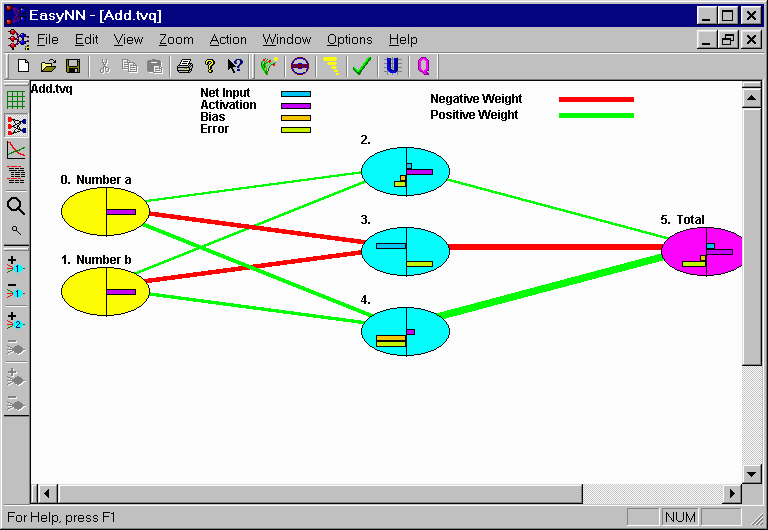
- Line thickness used to show weight; works here but may not scale
well.
- I like the detailed node information, but do not think it should
always be shown for every node. Perhaps instead you could select a
detail view of a node by clicking on it.
- Ability to label input and output nodes is good. I also like the
node numbering, but think it should be reserved for detail view.
B. NeuroPlanner

- Cannot tell link strength or node activity level.
C. 3-D VRML Viewer
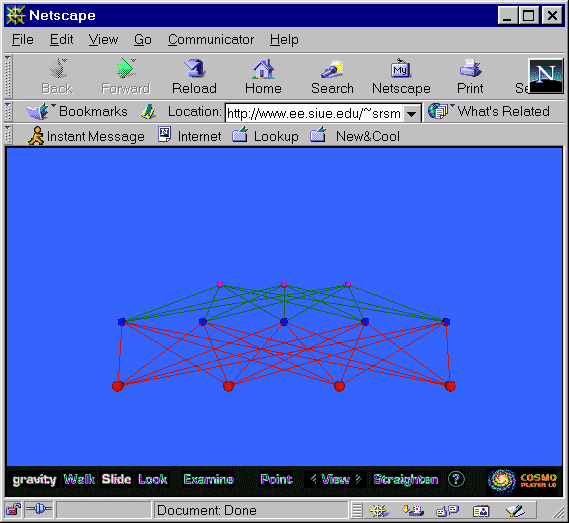
- Neural networks may not be good application of 3-D visualization, since
the geometric placement of nodes is arbitrary to begin with.
- All information is visible in the head-on view shown; other angles
would not provide additional information. Fly-through does not tell you
anything you don't already know.
Try this yourself by clicking
here.
D. WANND
E. QwikNet
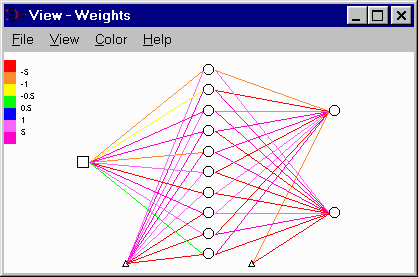
- Mapping of colors to weight values is arbitrary and unintuitive.
See the QwikNet home page.
F. Trajan
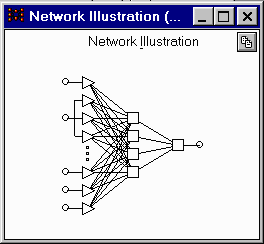
- Shapes seem to be a good way to show type of node.
- Does not show link strength or node activity level.
See the
Trajan home page.
II. Interface Ideas
- When the mouse hovers over a link, the link should be highlighted
(probably in white), and an arrow drawn to show its direction. This
will make it easier to figure out which links are clockwise, as it is
somewhat hard to tell. Also, a yellow pop-up window should show you
the numeric weight associated with the link.
- Similarly, when you a hover over a node, you should get a detail
view of the node. All the links going into and out of that node should
be brightened. A pop-up window could present information in a manner
similar to what EasyNN does inside each node. Node numbers should
be included in the pop-up window.
- I am taking Prof. Ward's suggestion to use opacity instead of
brightness for link strength. This allows brightness to be used
for highlighting.
- Also taking Prof. Ward's suggestion to avoid redundant yellow
circles. Yellow circles will simply be used in place of black ones to
signify output nodes.
- All lines and circles should of course be anti-aliased.
For reference, here is the interface prototype:
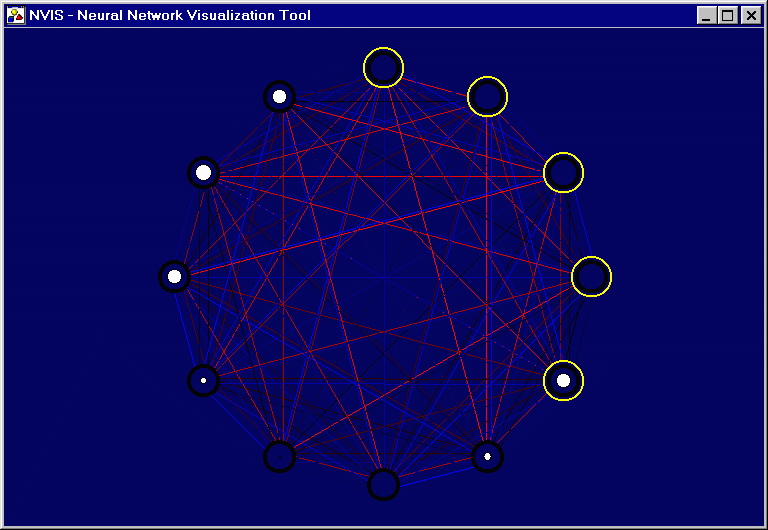
- Blue lines denote links in clockwise direction; red indicates
counter-clockwise direction.
- Size of white circles indicates internal activity level of node;
scale is linear.
- Nodes surrounded by yellow circles are output nodes.
III. Research
- Nothing relevant in IEEE Transactions on Neural Networks or
Neural Networks.
- One article on network visualization in IEEE Transactions on
Visualization and Computer Systems, Volume 1, Number 1, "Visualizing
Network Data". Some concepts may apply to neural networks.
- Visualization journals seem to be more helpful than Neural Network
journals.